Prompt Seen | Get Latest & Trending AI Photo Editing
Prompts For Google Gemini & ChatGPT
Create stunning photos, videos, and social media content using ready-made Prompt Seen Ai prompts. Just copy & paste the prompt, and generate images, no skills needed.
If you spend too much time typing random ideas into Gemini, ChatGPT, or Midjourney to create your AI Photos and still do not get the image or video you imagined, Prompt Seen has made this editing easy for you.
Instead of guessing what to write, you simply pick a ready prompt, paste it into your favorite AI tool, and get professional results in seconds. Whether you are a social media creator or fan page editor, Promote Seen helps you move from idea to final content very quickly.
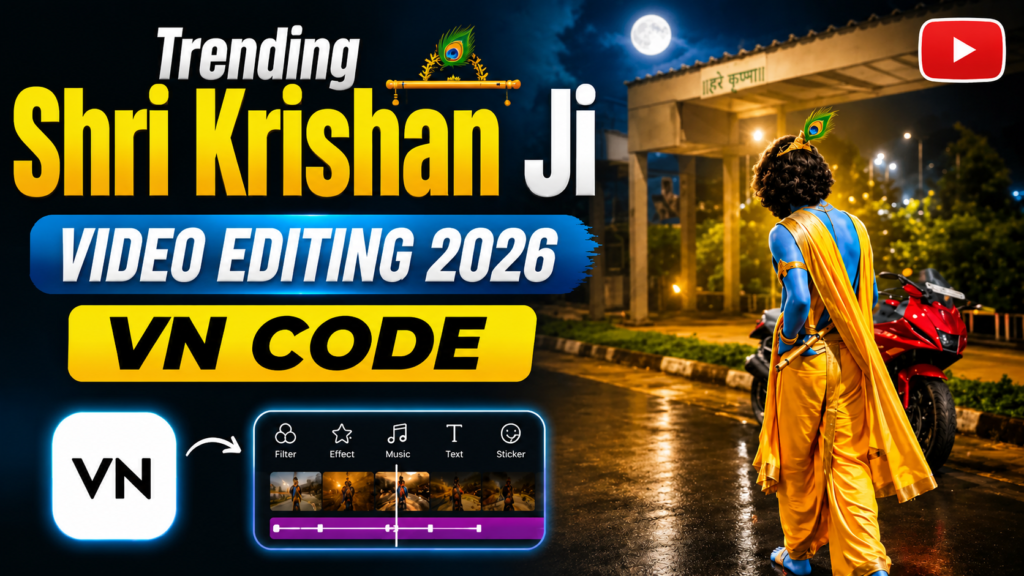
- Trending Shri Krishan Ji Video Editing 2026
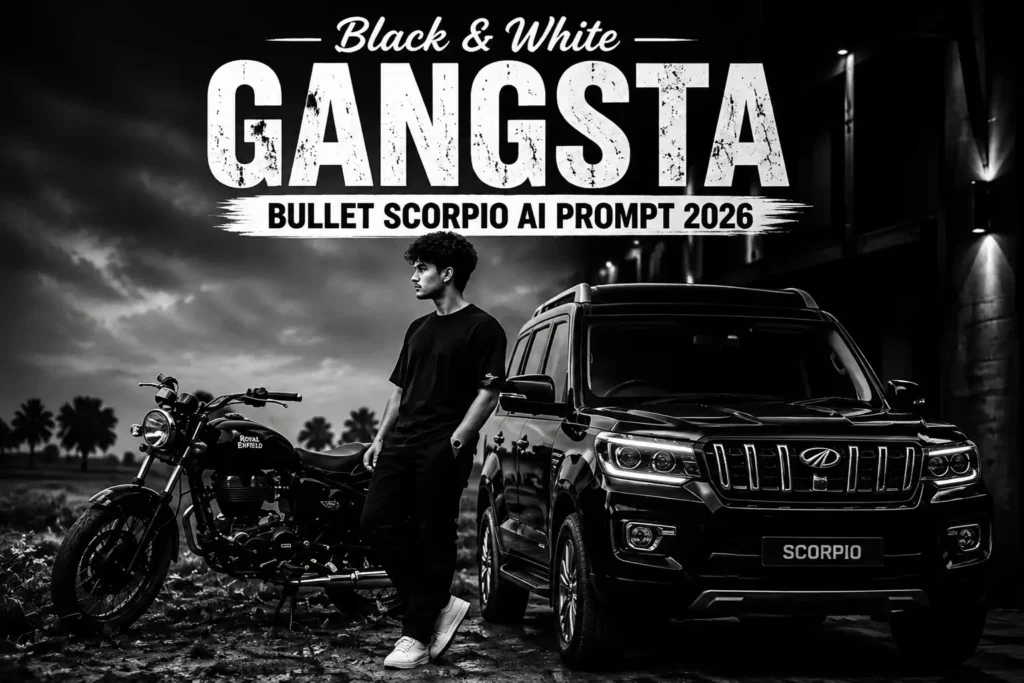
- Black & White Gangsta Bullet Scorpio AI Prompt 2026
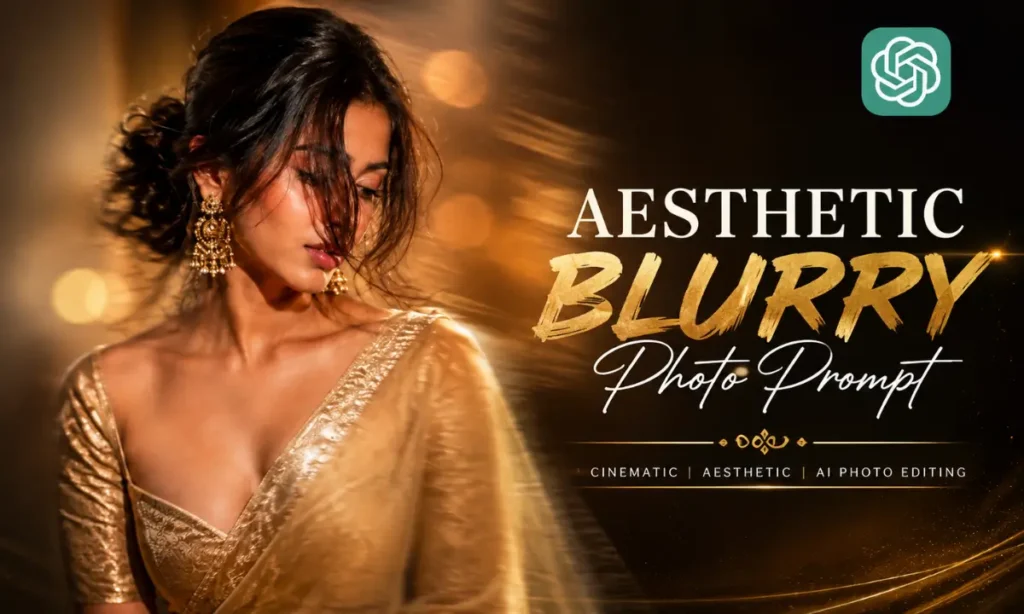
- Aesthetic Blurry Saree Prompt For Girls | AI Photo Prompt
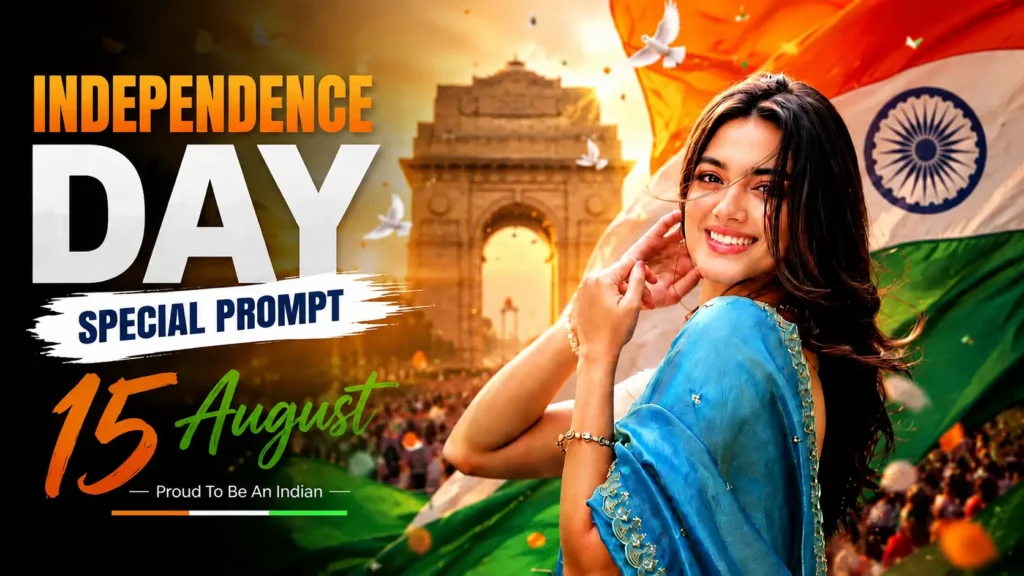
- Independence Day Special Photo Prompt 2026
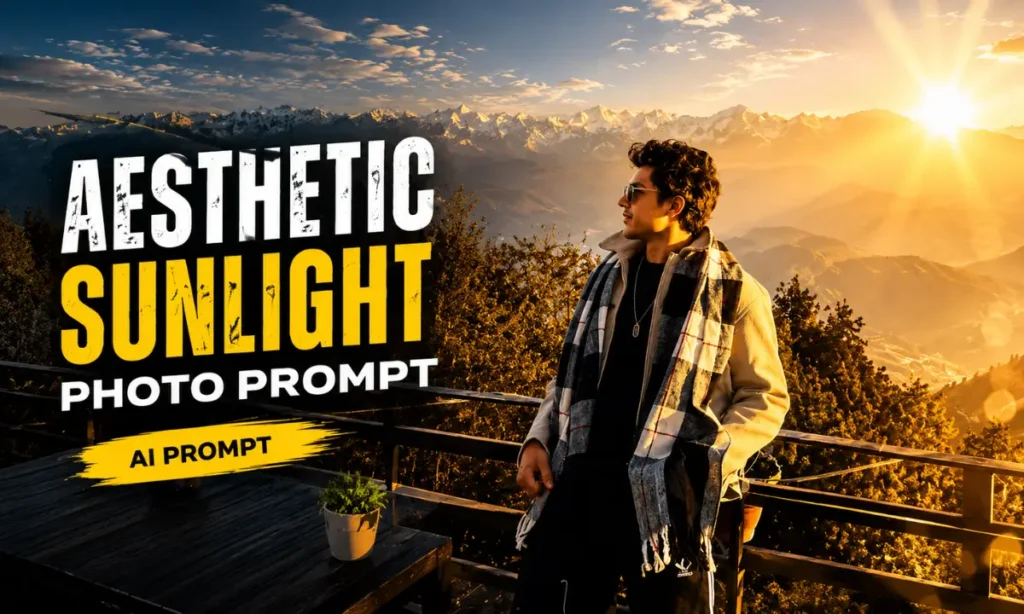
- Normal Picture To High Quality Sunlight Photo Prompt 2026
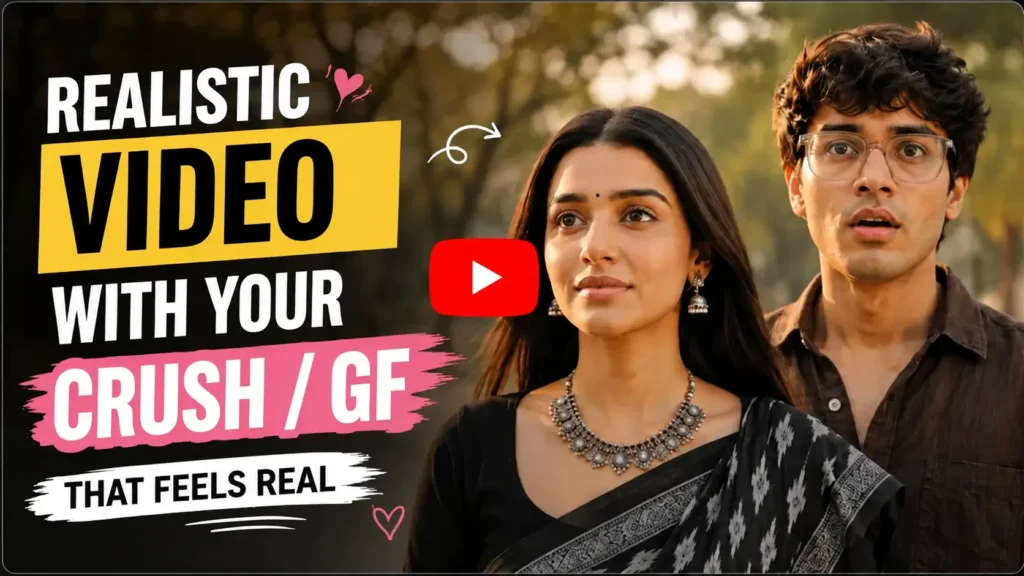
- Realistic Video With Your Crush/GF That Feels Real 2026
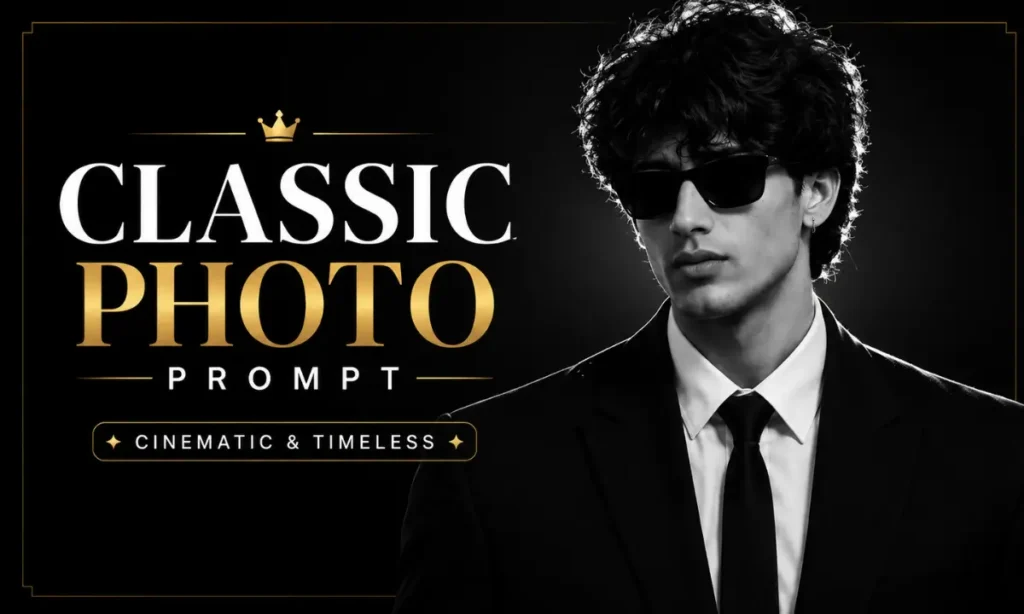
- Classic And Aesthetic Photo Prompts | ChatGPT & Gemini AI
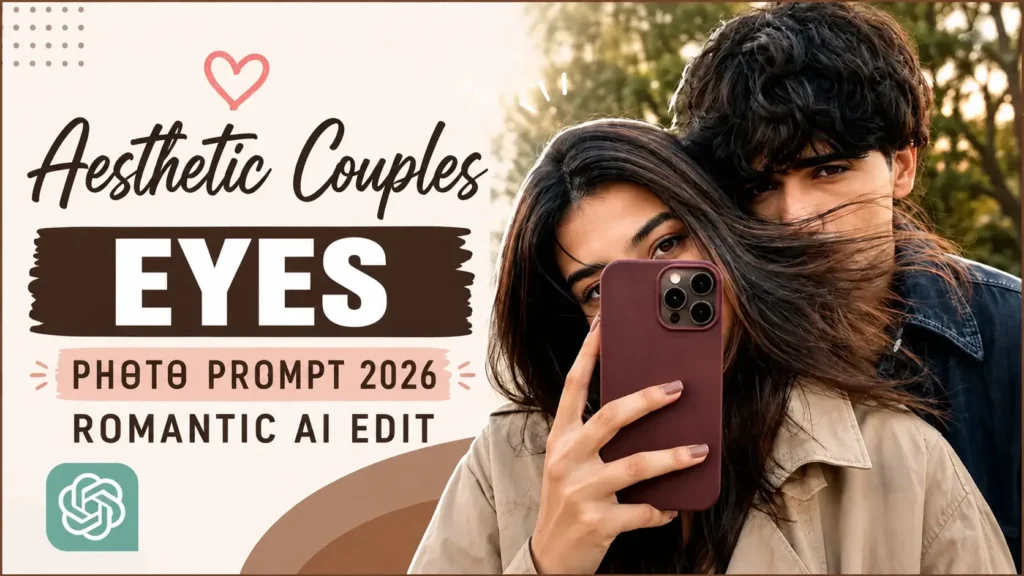
- Aesthetic Couples Eyes Photo Prompt 2026 | Romantic AI Edit
What is Prompt Seen?
PromptSeen is an online platform highly popular for its Artificial Intelligence prompts engineering for images and videos creation. This free website provides Gemini prompts, Couple Prompts, Festival Prompts, Unique Prompts, AI Photo Editing Prompts, Latest Trending Prompts, templates and many more daily usage.
You just have to visit Prompt Seen, choose your favorite prompt, copy it, and then paste it into tools like Gemini, ChatGPT, Midjourney, DALL·E, Stable Diffusion, Leonardo AI, Runway, or Pika. This tool reads the prompt and creates your desired photo in a few seconds.
Key Features and Purpose of Prompt Seen Chatgpt
It has one simple goal to help creators to get high quality AI results without wasting time or money. Instead of starting from a blank box, you get clear, ready prompts for:
Why Choose Prompt Seen Com Over Other Prompt Platforms?
There are many prompt websites, but this website focuses on what real Indian creators actually need. When you use this copypaste prompts website, you:
If you create content for Indian audiences or love Indian styles, Seen Prompt gives you much more relatable options than most global platforms.
Categories Available on Prompt Seen New
AI Art Prompts
You can turn your ideas into unique artwork without being a designer.
- Posters
- Wallpapers
- Concept art
- Stylized portraits
- Fantasy and sci‑fi scenes
You copy the prompt into tools like Midjourney, DALL·E, or Stable Diffusion, and you get polished results without technical settings.
AI Photography Prompts
These prompts focus on realistic photos. They help you create:
- Portraits
- Travel shots
- Lifestyle imagery
- Product photos
- Brand Photos
They work well if you want Instagram‑ready pictures, profile photos, thumbnails, or mockups without a camera and studio.
AI Design Prompts
These prompts are useful for small businesses and freelancers. You can generate:
- Logo ideas
- Social media banners
- Flyers and posters
- Simple ad creatives
- Social Media Posts
You describe the brand, colours, and tone, then let the AI give you designs that are ready to refine or even post directly.
AI Writing Prompts
These prompts help you use ChatGPT or Gemini to write:
- Captions and hooks
- Ad copy
- Short scripts
- Blog outlines
- Email drafts
You save time and still keep your brand voice. You can also adjust tone, length, and language level with simple tweaks.
AI Video Reel Prompts
Prompt Seen offers specific prompts for tools like Runway, Pika, and other AI video editors. They cover:
- Trend‑based reel ideas
- Camera movements and transitions
- Story structures for 10 to 30 second videos
- Before‑and‑after edits for photos turned into reels
You see a preview reel, copy the prompt, and then adapt it with your own photos, clips, or topics.
Niche and Cultural Prompts
This category is especially strong for Indian users. You find prompts for:
- Festival edits like Diwali, Holi, Ganesh Chaturthi, Navratri, Eid, Christmas in India
- Traditional outfits like saree, lehenga, sherwani, kurta, Indo‑western wear
- Local themes such as chai tapri scenes, street markets, metro rides, college life
- Wedding and pre‑wedding photos, haldi, mehendi, sangeet moods
Moreover you can also find, couple prompts, all festival prompts, Unique Prompts, gemini Prompts, ChatGPT prompts etc.
How To Use Prompt Seen Prompts Online 2026
You can start in a few minutes, even if you have never used AI before.
What is Prompt Seen App & How to Download?
Prompt Seen App is a free Android application available on the Google Play Store that gives you instant access to thousands of ready-made AI photo editing prompts for boys, girls, couples, and creators of every age.
You have to simply download and open the app, pick a prompt that matches your vibe, and tap “Create with Gemini” or “Create with ChatGPT” It will open AI tools with your prompt. Where you will generate image and save it to your mobile in few minutes.
The prompt library covers everything from cinematic portraits and royal couple edits to Bollywood-style photos, festival themes like Diwali and Holi, ethnic fashion looks, and the latest trends going viral on Instagram Reels and YouTube Shorts, like normal to 4k, lofi dusk prompt.
How to Download and Install App
Follow these simple steps to download the app.
Built for Indian Creators: Prompts cover Bollywood aesthetics, ethnic fashion, couple portraits, and festivals like Diwali, Holi, Eid, Navratri, and more.
Best Use Cases of these Prompts
You can use it for almost any kind of visual or written content. Here are some of the most common cases.
For Social Media Creators
If you create Instagram Reels, Youtube Shorts, or TikToks videos, it helps you:
This is especially helpful if you post daily and do not want to spend hours editing each clip.
For Small Business Owners
You might not have the budget for a full design team or a photographer. With Prompt Seen, you can:
You can also test several creative variations for ads before you decide which one to promote.
For Photographers and Artists
It does not replace your creativity. It supports it. You can:
For Students and Hobbyists
If you just like experimenting, PromptSeen gives you:
Why It is Popular with Gen Z Creators?
Gen Z grew up with smartphones, social apps, and instant editing tools. For them, prompt seen feel natural. Prompt Seen Photo works well for Gen Z because:
If you are part of Gen Z, PrometSeen can turn your ideas into content fast, without heavy tutorials or complex interfaces.
Are Prompt Seen Prompts Safe to Use?
Yes, prompt seen couple, latest, trending and other prompts are safe when you use them responsibly.
Here is why.
Prompts Are Only Text
A prompt is just a sentence or a paragraph. It cannot run on your device like software. It cannot contain a virus or malware. You only copy and paste words.
Conclusion
Prompt Seen makes AI content creation simple and practical. You no longer have to guess what to type into Gemini or ChatGPT. You can start with proven prompts, see examples, and then adjust them to fit your style.
If you:
- Create content for social media
- Run or promote a small business
- Enjoy editing photos and videos for fun
- Want to learn or earn from prompt writing
Then PromptSeen new can save you time, money, and effort on every project.
With the right prompts, your phone becomes a complete studio for photos, videos, and content ideas.
Frequently Ask Question’s
About Raju Soni
Hi, I’m Raju Soni, a tech enthusiast, blogger, and AI creator with over 3 years of content creation experience. I’m passionate about exploring the latest AI tools and crafting creative prompts that help users generate amazing results. Through my blog, I share AI insights, trending prompts, and practical resources for creators and tech lovers.
Contact Us at [email protected]