10 Best ChatGPT Photo Editing Prompts For Girls 2026
Photos are a big part of life now. Every girl wants her pictures to look clean, bright, and stylish. Social apps like Instagram and TikTok have made this even more important. A good photo can get more likes, more views, and more attention.
In the past, people used tools like Adobe Photoshop or Lightroom. These tools are powerful, but they take time to learn. Now things are changing. With ChatGPT, you can create simple prompts and get amazing photo edits using AI tools.
This article will help you understand how prompts work and show you the best ones you can use right now.
What Are ChatGPT Photo Editing Prompts?
A photo editing prompt is just a short instruction. You tell the AI what kind of look you want, and it follows your words. It feels like giving directions to a smart assistant.
For example, instead of editing skin tone, light, and colors by hand, you can just say “make skin soft, add glow, and use warm light.” The AI understands this and applies the changes for you. This saves time and effort.
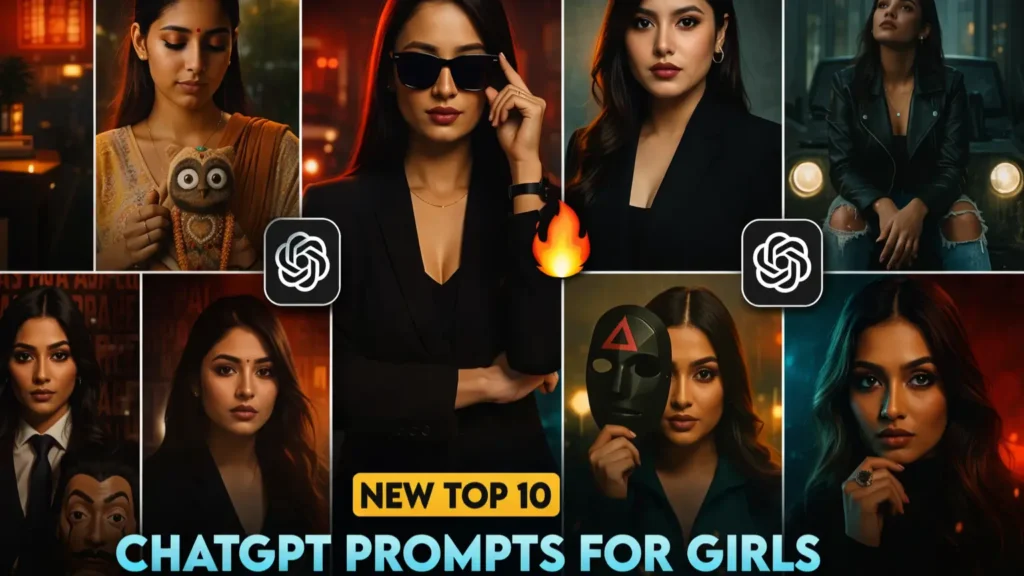
You can take these prompts and use them in tools like Canva or Remini. These tools apply the effects and give you a polished result. Once you try it a few times, it becomes very easy.
Now that you know how prompts work, let’s look at the best ones you can use.
10 Best ChatGPT Photo Editing Prompts For Girls
1. Soft Girl Aesthetic Prompt
The soft girl look is one of the most loved styles right now. It feels calm, cute, and gentle. This style uses light pink tones, smooth skin, and soft lighting. Many girls use this look for selfies and casual photos because it feels warm and friendly.
When you use this prompt, your photo will look light and pretty. The colors will feel soft, and your skin will look smooth without looking fake. It works best for close shots where your face is clear. The final image often looks like something you would see on a trendy feed.
2. Glowing Skin Beauty Prompt
Clear skin is something everyone wants in photos. This prompt focuses only on beauty and skin quality. It removes dullness and adds a soft glow that looks natural.
This style works great for profile pictures and beauty shots. It does not add heavy filters. Instead, it improves what is already there. Your face looks fresh, bright, and clean. Many influencers use this type of edit to keep their photos real but polished.
3. Cinematic Portrait Prompt
If you want a bold and dramatic look, this style is perfect. It makes your photo look like a movie scene. The light is strong, and the shadows add depth.
This works well for serious photos. It gives a strong mood and makes your image stand out. The background becomes darker, while your face stays in focus. It feels more artistic and less casual.
4. Instagram Influencer Style Prompt
This is one of the most used styles today. It gives your photo a clean and trendy look that fits perfectly on Instagram. Everything looks balanced, sharp, and bright.
This style works for fashion, travel, and daily life photos. It makes your feed look more professional. The colors pop, but they do not look too strong. This is why many creators prefer this style.
5. Vintage Film Look Prompt
Some people love an old-school vibe. This prompt brings back that classic camera feel. The colors look faded, and the image has a slight grain.
This style works well for outdoor photos and travel shots. It gives a nostalgic feeling. Your photo looks like it was taken years ago, even if it is new.
6. Dreamy Fairycore Prompt
This style feels magical. It adds soft light and a dreamy effect to your photo. It is perfect if you want something creative and different.
This works best in nature settings. Trees, flowers, and open spaces look amazing with this style. The final photo feels soft and calm, almost like a fantasy scene.
7. Korean Glass Skin Prompt
This trend is very popular in beauty edits. It focuses on smooth, shiny, and clear skin. The goal is to make your skin look fresh and healthy.
This works best for close-up shots. Your face looks bright and clean without heavy editing. Many beauty creators use this style for reels and short videos.
8. Dark Academia Style Prompt
This style is deep and artistic. It uses dark tones and soft shadows. The mood feels calm and serious.
This works well indoors or in low light. Books, cafes, and study setups match this style. It gives your photo a unique and thoughtful feel.
9. Outdoor Natural Light Prompt
Not every photo needs heavy editing. Sometimes, simple is better. This prompt keeps things natural and clean.
This works great for daytime photos. The sunlight looks soft, and your skin tone stays real. It is perfect if you want a fresh and simple look.
10. High-Fashion Editorial Prompt
This style looks like a magazine shoot. It is bold, sharp, and very polished. It works best for fashion and model-style photos.
This gives your image a premium feel. The lighting is strong, and every detail stands out. It is great if you want a luxury look.
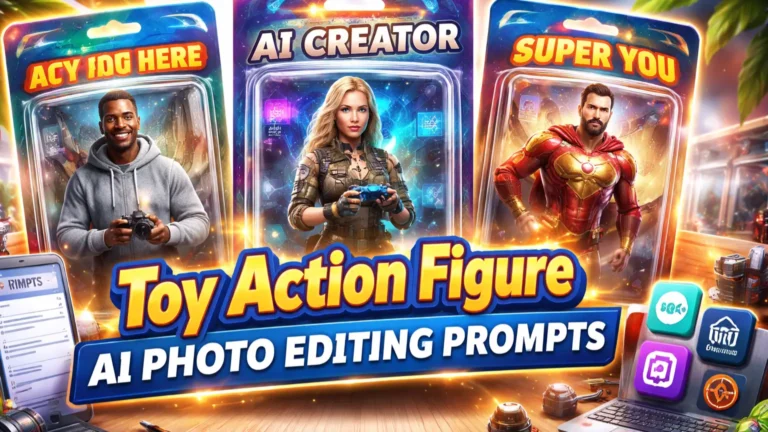
Also try: ChatGPt Instagram Photos Prompts & Toy Action AI Photos Prompts
Best Tools to Use With ChatGPT Prompts
Prompts alone are not enough. You need tools to apply them. Some tools are simple, while others are more advanced.
Canva is great for beginners. It is easy to use and gives quick results. Remini is perfect for improving face quality. FaceApp is good for fun edits and quick changes. If you want full control, Adobe Photoshop is still a strong option.
Each tool has its own style. Try different ones and see what fits you best.